ChatGPT has quickly become one of the most popular tools among Amazon sellers. It’s used to use prompts to write product listings, improve bullet points, brainstorm titles, and speed up content creation.
But there’s an important detail many sellers overlook:
If you use ChatGPT without proper keyword research, your Amazon listing may look good, but bring very little ranking value.
This article explains how Amazon sellers should actually use ChatGPT, what mistakes to avoid, and which prompts work best when combined with real Amazon keyword data.
Why “AI-generated listings” often fail on Amazon
A common workflow looks like this:
A seller opens ChatGPT and asks: “Create an Amazon product listing for my product.”
ChatGPT responds with clean, professional copy. The text flows well. The structure looks correct.
Yet the listing doesn’t rank.
The reason is simple: ChatGPT doesn’t know which keywords bring sales on Amazon. It doesn’t see keyword-level revenue data, Search Query Performance, or what Amazon already considers relevant in your niche.
Which keywords Amazon already rewards with visibility
Without this step, AI simply fills space with generic language.
Step 1: Do keyword research first
Before writing a single word with ChatGPT, do keyword research.
Your goal is to collect:
High-intent keywords
Keywords with proven sales history
Keywords competitors already rank for
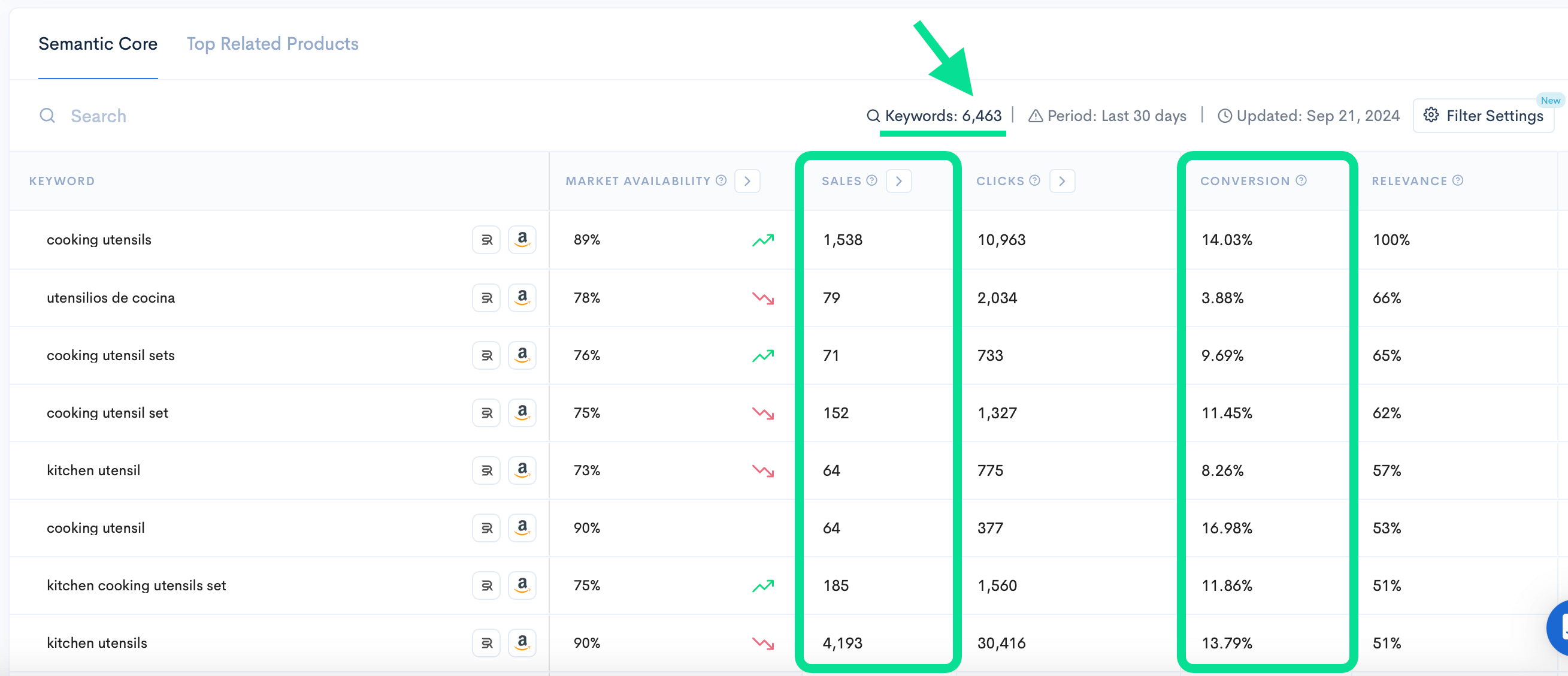
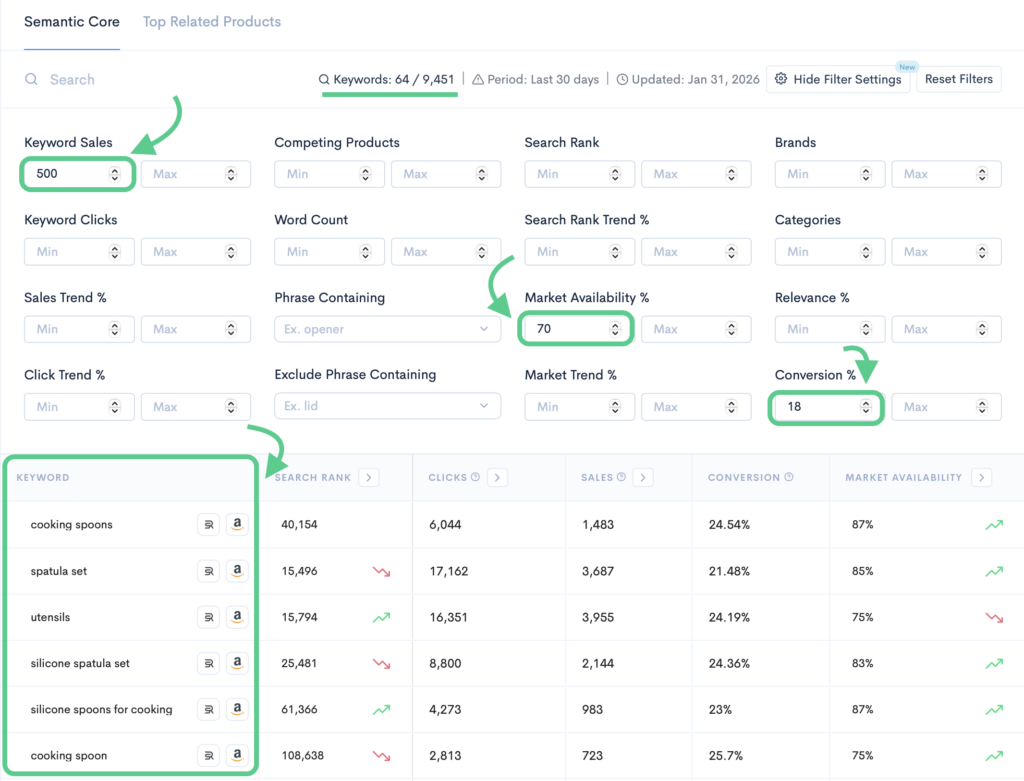
Keyword Hunter shows you all keywords with the highest customer interaction rate, competition level, and more; so you can find the best possible keywords for your Amazon product listing.
Most sellers narrow this down to 20-30 core keywords that represent the highest opportunity for ranking and conversion.
This keyword list becomes the foundation of your listing. ChatGPT should never be asked to decide this for you.
Step 2: Use ChatGPT as an execution tool
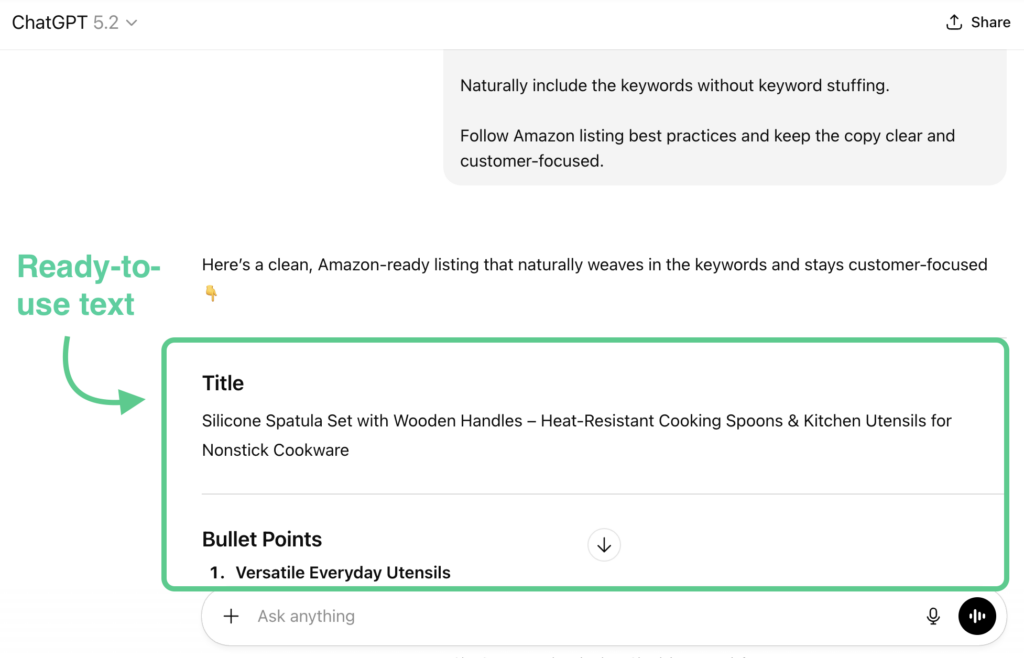
Once your keyword list is ready, ChatGPT becomes extremely useful.
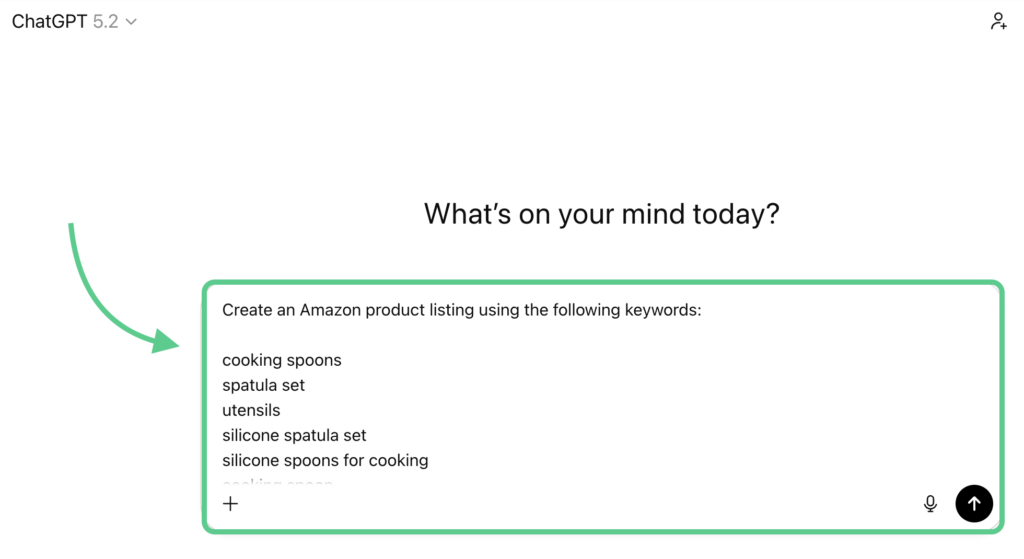
Instead of asking it to “create a listing,” you guide it with specific inputs:
Your target keywords
Your product details
Your structure requirements
To find sales-making keywords for your product listing: